
Distributor Tools
Access the current marketing assets, pricing pathways and customization tools used by OraLabs promotional distributors.
Everything in the live toolkit, preserved.
These resources connect directly to the current OraLabs promotional workflow so submitted requests, accounts and custom tools keep working exactly as they do today.
View Catalog
Open the current 2026 OraLabs Promotional Products catalog.
Open catalogView Flyers
Browse and download all nine current print-ready product flyers.
Browse flyersRequest High Quantity Quotes
Use the current quote-request workflow for larger opportunities.
Request quoteRequest Samples
Send a sample request through the live distributor system.
Request samplesRequest Virtual or Web Images
Request a virtual from the art team, or web-ready product imagery.
Request virtualsInstant Virtuals
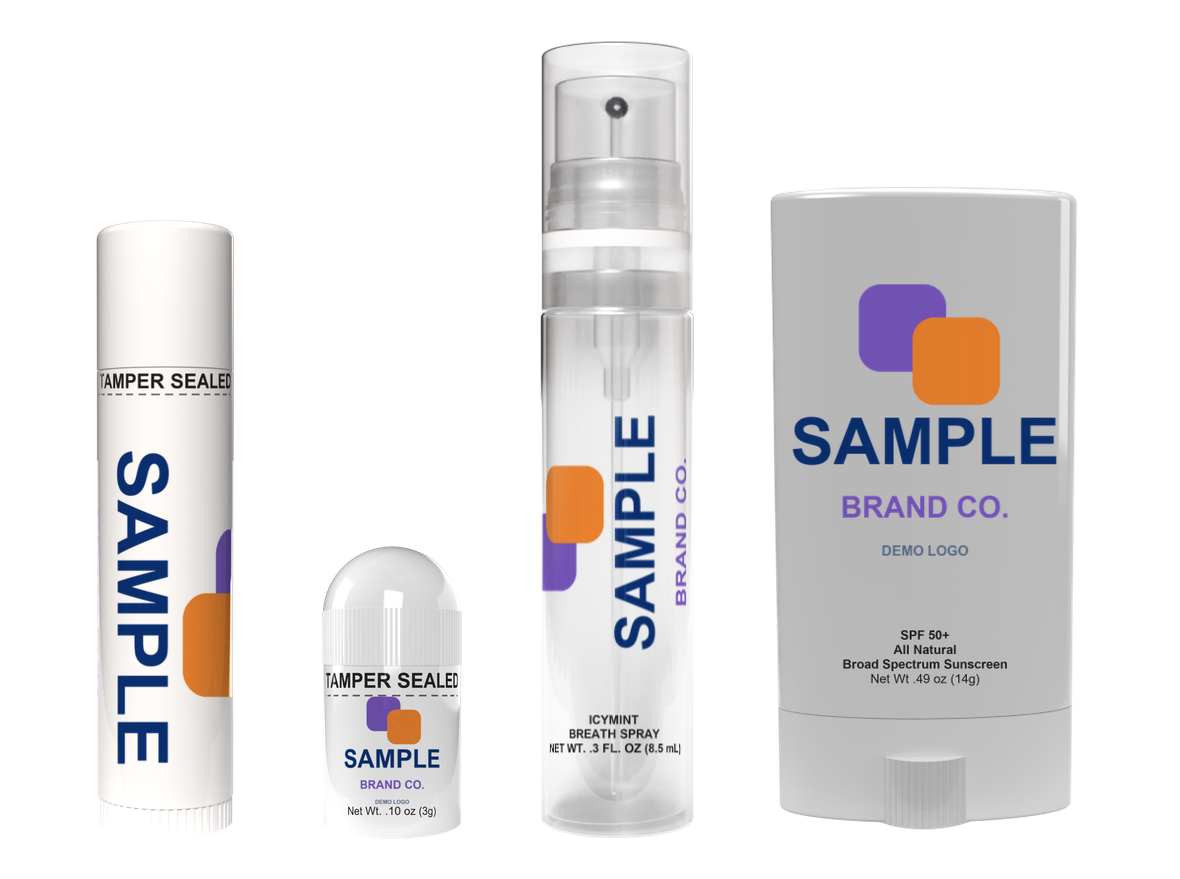
Place your client’s logo on a product and download a virtual yourself, with a spec sheet for their designer. A quick first look, not a proof.
Make a virtualCustomize Catalog via Zoom Catalog
Build a tailored catalog using the existing customization tool.
Customize catalogCustom Flyers via Zoom Studios
Continue to the live distributor tool to access the sign-in-gated custom-flyer workflow.
Open custom flyersDistributor Sign In
Access distributor account tools and protected resources.
Sign in24/7 Order Status
Check the status of a current promotional order.
Check order statusShow your client their logo on the product before you send the quote.
Choose a product, drop in the logo, and download a virtual with a spec sheet for their designer. Artwork can run vertically and wrap around the tube, with every side shown. It is a quick first look, not a proof: the art team prepares the proof later, on the product’s label template. Nothing is uploaded.
Our customer service team can help.
Get help with quotes, samples, artwork, flyer needs and order status.
Contact Promotional Support